APP SCREENSHOT
ExperimentalPulseSensor Lab
Four browser-based PulseSensor experiments. Pick one, connect its UNO R4 sketch, and start with the live signal.

Hardware, provenance, and validation
Open a project, connect its matching UNO R4 sketch, and work with the live signal.
Repository status checked August 19, 2026.
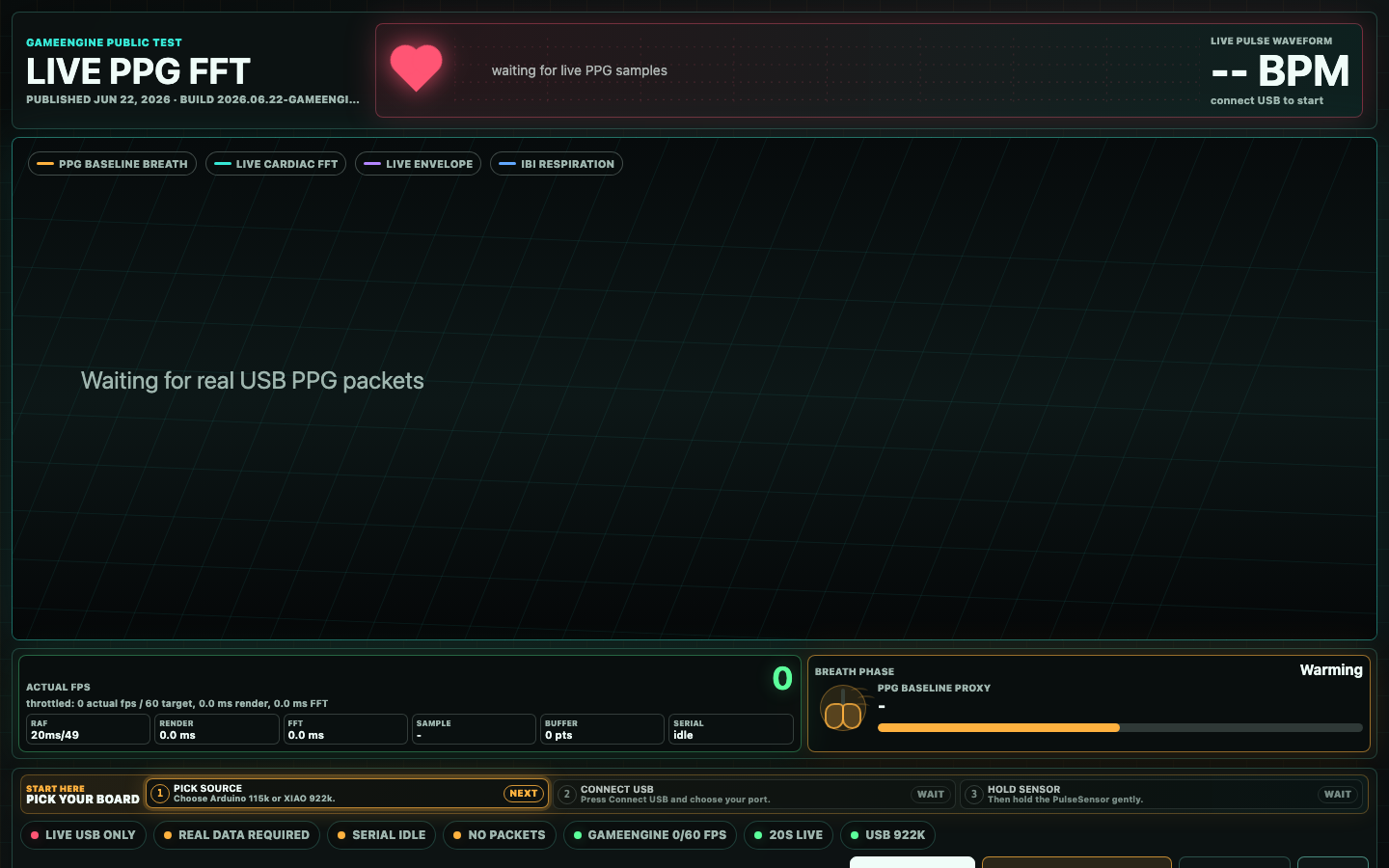
Turn a live PulseSensor stream into a moving spectrum. Rotate the view, inspect harmonics, and experiment with the structure behind the waveform.
UNO R4 target · A0 · 115200 baud
The hardened UNO R4 build is hosted directly in the Shopify Lab. WFE source migration is complete; a physical UNO R4 transport and live-spectrum pass is still required.
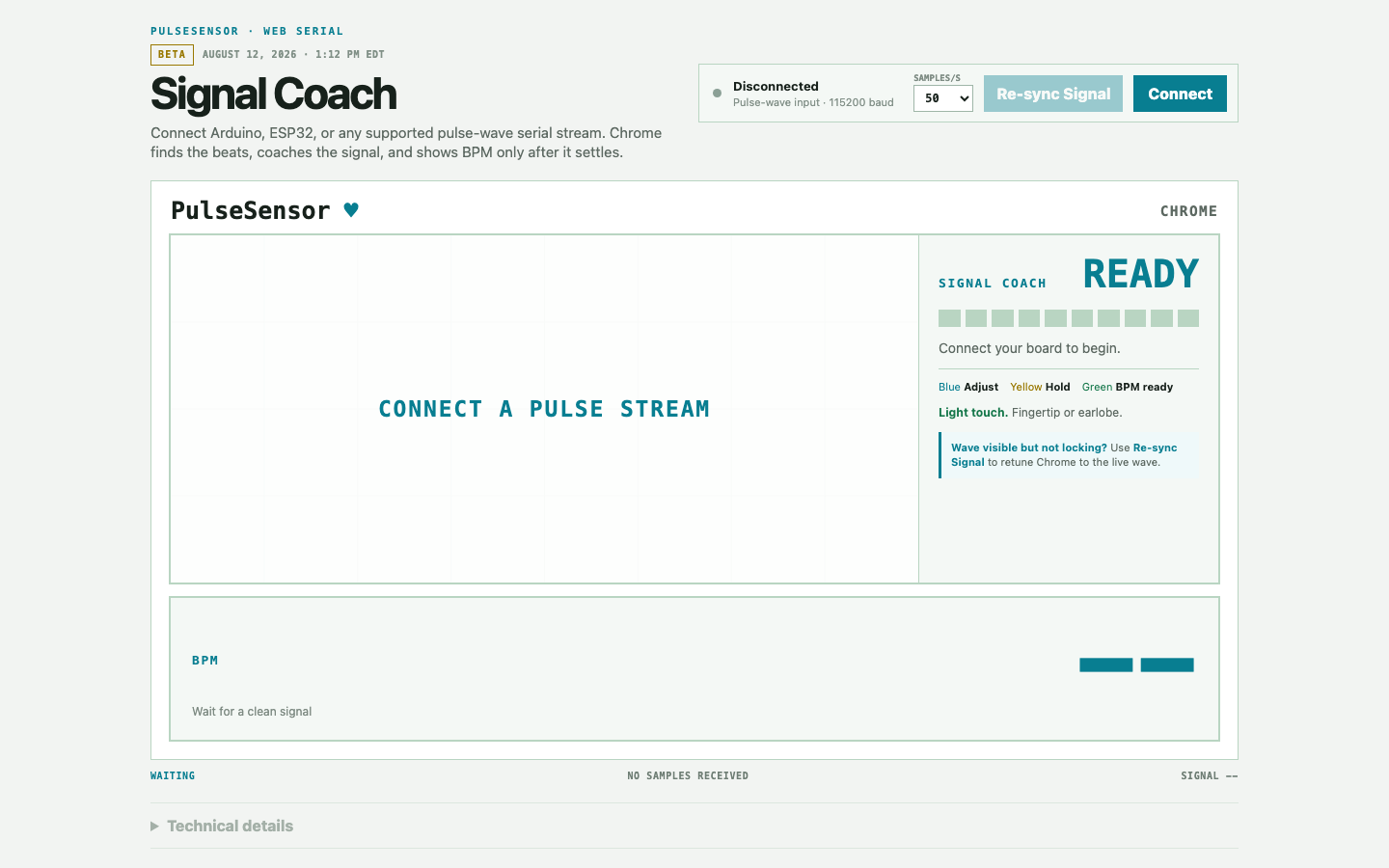
Stream one PulseSensor into Chrome. It is the main real-world test and feedback experience for Signal Core: see the raw wave, improve contact and motion, and unlock BPM only after the signal settles.
UNO R4 ready · 115200 baud
These papers inform quality and failure-mode requirements; the current detector is not a verbatim implementation of either paper.
This Shopify-hosted one-sensor build is the current recommended Signal Coach experience. Use it with a real PulseSensor, keep the raw waveform visible, and tell us when the guidance matches—or misses—what happened.
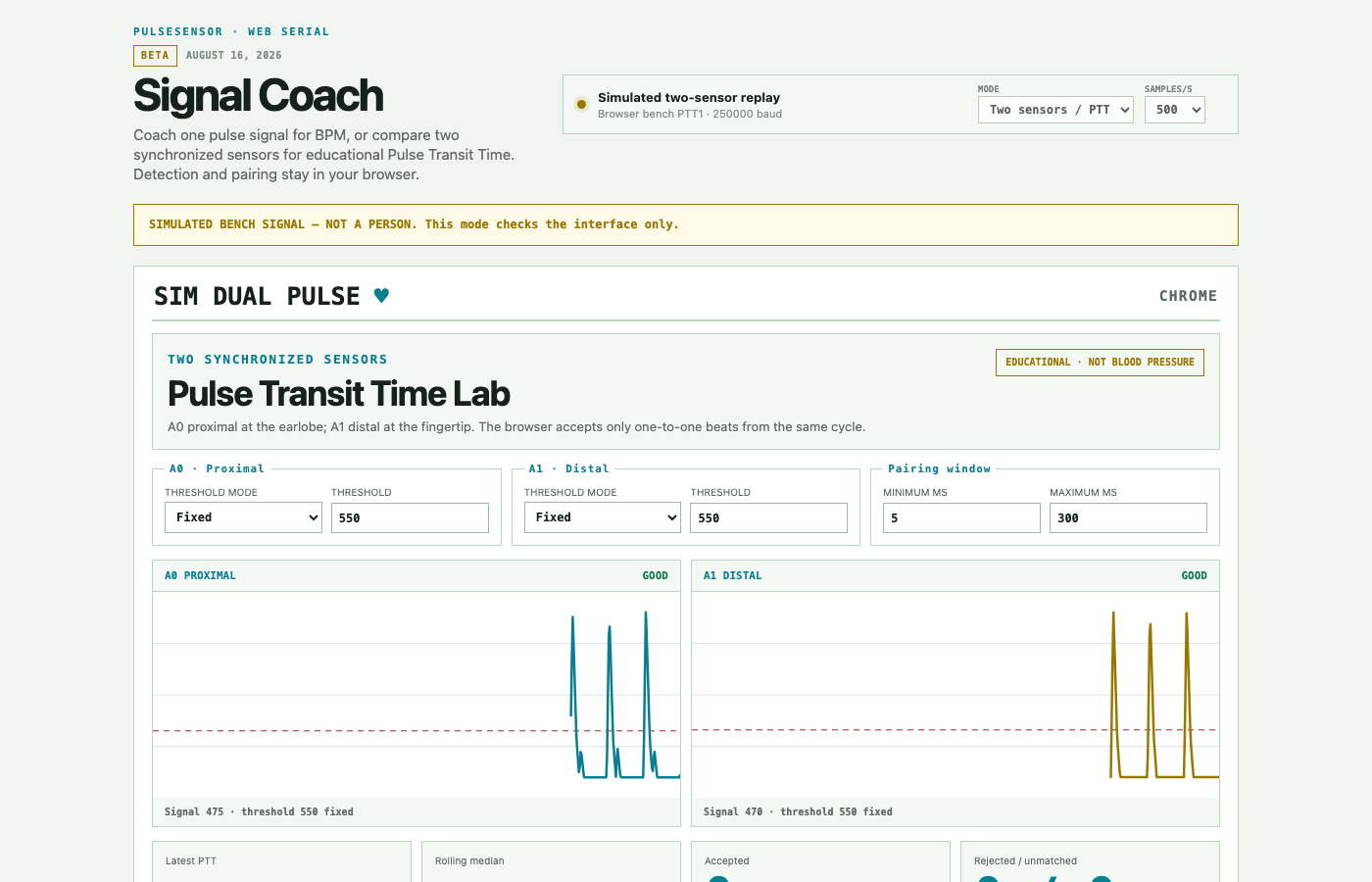
This standalone two-sensor browser lab compares relative pulse-arrival timing from two synchronized PulseSensors. It is separate from the one-sensor Signal Coach; only the Signal Core algorithm is shared. Real two-sensor validation continues.
UNO R4 draft · 250000 baud
Respiration context from Dr. Doyle's list—not direct validation of this PTT method.
The standalone two-sensor validation build is hosted in the Shopify Lab. PR #210 remains draft; real two-sensor physiological validation still blocks release.
A four-channel Chrome Web Serial app for Arduino UNO R4 WiFi, based on Guylian Stevens, Luc Hantson, Michiel Larmuseau, Jan R. Heerman, Vincent Siau, and Pascal Verdonck, Sensors 24(12):3766 (2024), doi:10.3390/s24123766.
UNO R4 WiFi · A0–A3 · 500 Hz · 12-bit
This paper is the direct source for the project’s four-sensor structure, posture protocol, and HR/RR method families.
The hardened UNO R4 validation build is hosted in the Shopify Lab. Draft PR #1 remains open; isolation, connected export/reopen, four worn sensors, 20-minute stability, and physiological validation are still required.
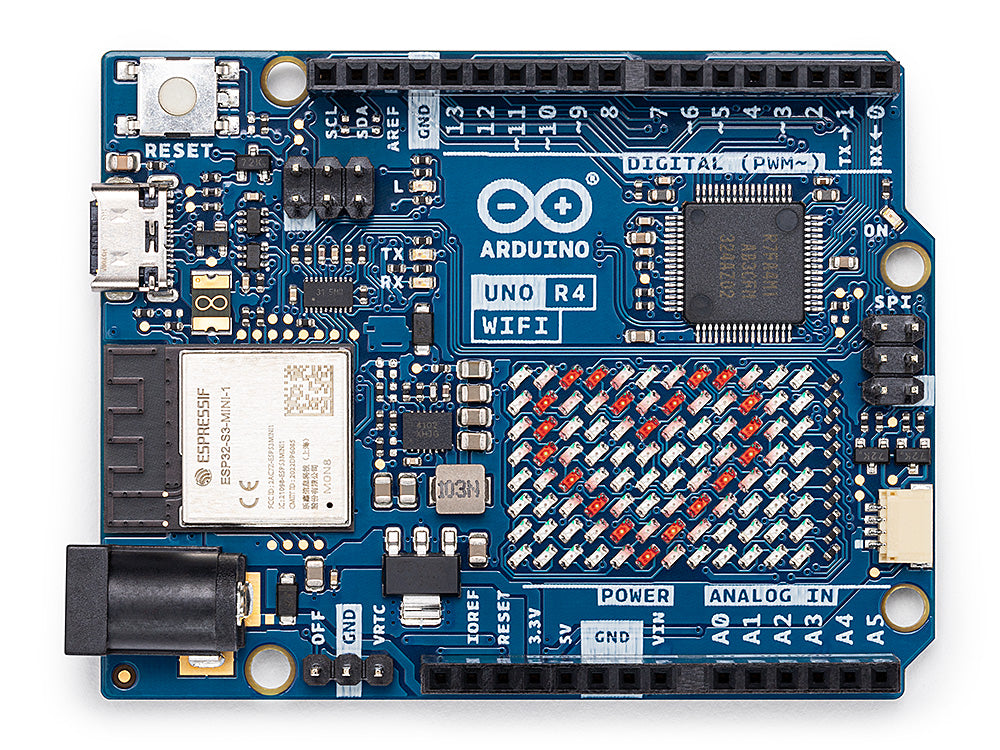
One board across the Lab
This is the Lab's target controller: one familiar USB-C board with six analog inputs, 5 V logic, and enough headroom for browser-native PPG experiments.
Disconnect the current Web Serial app before opening the next one. Chrome may remember permission, but independent pages cannot share the active port. App-specific sketches and rates remain in use until we build one shared Lab protocol.
Shared foundation
Signal Core is the private signal-processing work behind our Lab apps. While it is still changing, Signal Coach is the public build to use, test, and give feedback on.
Connect one PulseSensor to an Arduino UNO R4 WiFi, watch the raw waveform, and follow the placement guidance. Feedback from real sensors and real users helps us decide what belongs in Signal Core.
The underlying Signal Core source, fixtures, and development roadmap remain private while the behavior is still being evaluated. Public status will be reconsidered after real-world testing and review.
Build the Lab with us
Built something surprising with PulseSensor? Share a working demo, an open-source experiment, or a research remake that other advanced users can learn from.
Propose an experiment
Send a short description, hardware list, source or demo link, and a screenshot. Tell us what makes the experiment useful to other PulseSensor builders.
Submit a projectImprove an experiment
Name the Lab project you tried, then share what worked, what did not, and what you used. Screenshots, recordings, and reproducible steps are especially helpful.
Send project feedback